

Nurbid Tab-Tamer
Organize, search, filter, manage, and control your Chrome Tabs and Tab Groups with powerful drag-and-drop functionality and intuitive controls.
Quick Guide
Mouse over the dots to learn more about each feature.
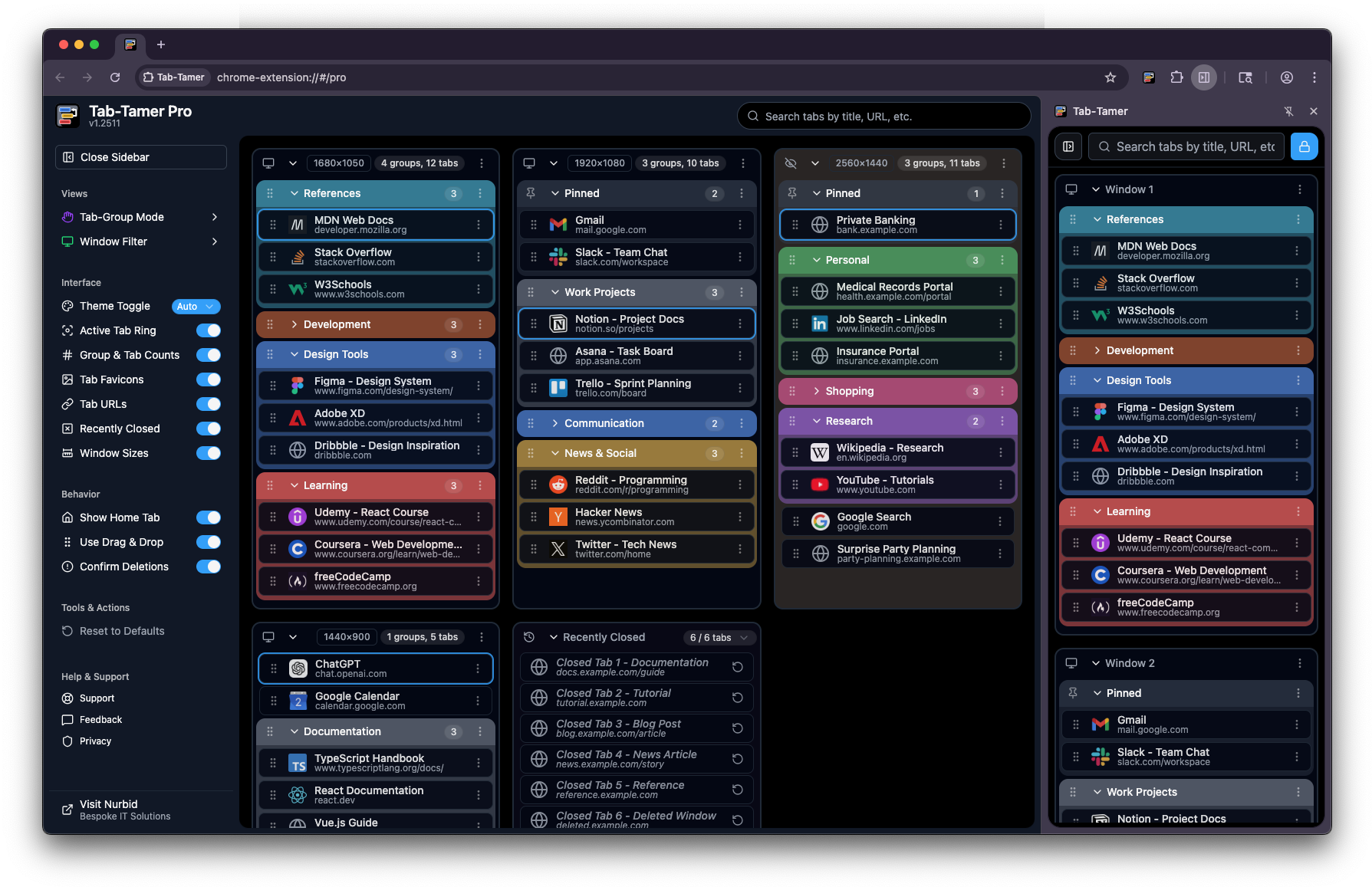
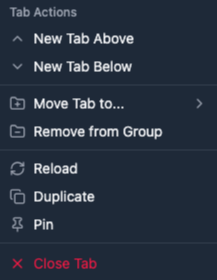
Tab-Tamer puts every window, group, and tab in one place. This annotated view shows where each control lives and how the Free (side panel) and Pro (full interface) experiences differ. Hover the pulsing markers to see what each area does.
Feature Comparison
See exactly what you can do with each version.
Free covers the essentials in Chrome’s side panel; Pro adds the full pinned-tab experience, deeper window and group controls, and MANY Pro-only behaviors. Use the table below to match the version to how you actually work; no guesswork about what’s included.
Ready to tame your tabs?
Start for free, and upgrade when you need more power.
Install the Free extension to get immediate relief from tab sprawl; if you outgrow the side panel–only layout and want Pro-only tools, you can upgrade at any time. Pick the tier that fits today, as you can always move up when your browser habits get more demanding.